
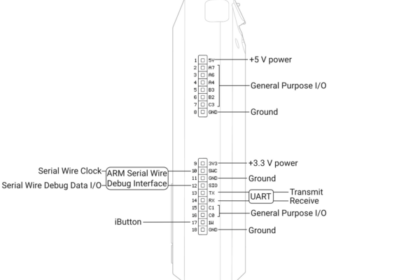
Flipper Zero GPIO Guide , GPIO (General Purpose Input/Output) lets the Flipper Zero interact with physical electronic components. This is where many users hesitate because it sounds technical—bu...
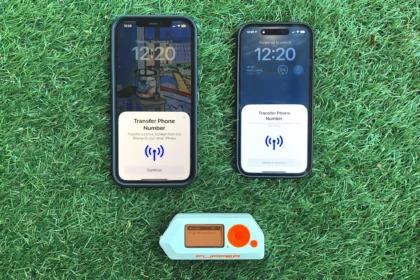
Flipper Zero Bluetooth, Bluetooth on the Flipper Zero is Bluetooth Low Energy (BLE) broadcast detection only. It is designed to help you see how devices advertise themselves wirelessly, not to connect...
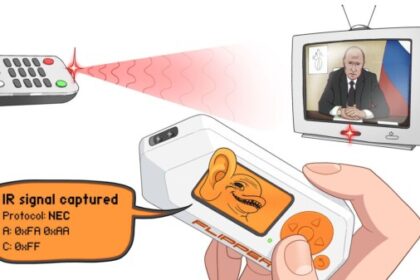
Flipper Zero Infrared (IR) Guide, Infrared is one of the simplest and most useful parts of the Flipper Zero. Unlike NFC, RFID, or Sub-GHz, IR has very few restrictions, works reliably, and gives immed...
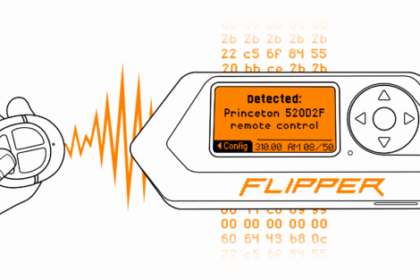
Flipper Zero Sub-GHz Guide, Sub-GHz is the Flipper Zero feature that deals with wireless signals below 1 GHz. These signals are commonly used by household remotes, sensors, and older wireless devices....
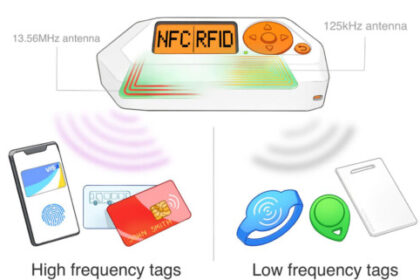
Flipper Zero RFID Guide, RFID on the Flipper Zero refers specifically to low-frequency 125 kHz RFID, which is different from NFC. This is one of the most common areas of confusion for new users. This ...
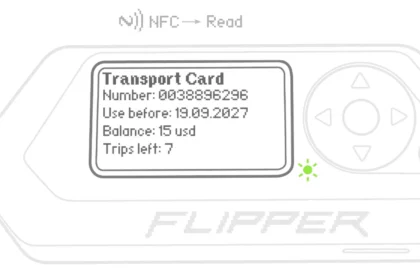
Flipper Zero NFC Guide, NFC (Near Field Communication) is one of the most approachable and useful parts of the Flipper Zero. It is also one of the most misunderstood. This guide explains exactly how t...
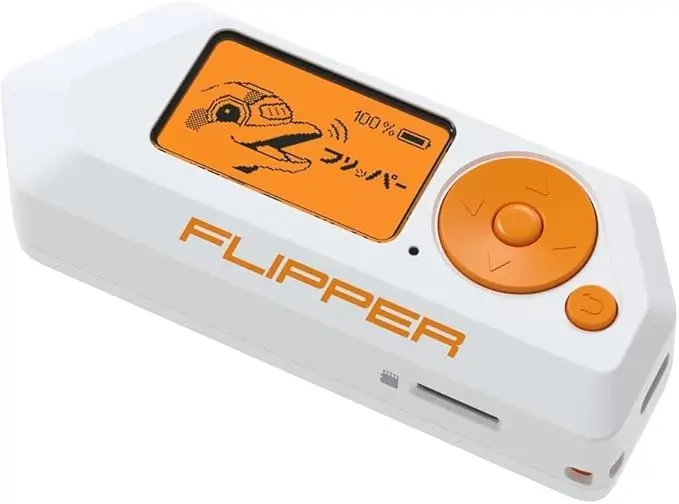
Before you start, make sure: Your Flipper Zero is charged (ideally 50%+)You have installed the Flipper mobile appYour firmware is updated to the latest stable releaseYour region is set correctly (impo...
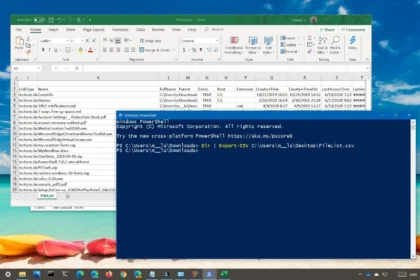
What this doesThis PowerShell command exports results into a CSV file (which opens in Excel). It is one of the quickest ways to turn a command output into something you can share, attach to a ticket, ...
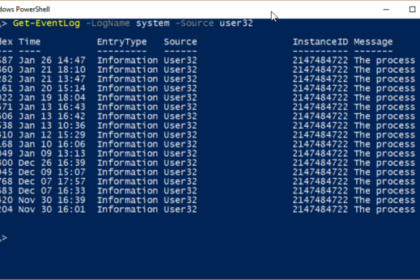
What this doesThis PowerShell command retrieves recent system error events from Windows. It allows you to quickly see what has gone wrong without opening Event Viewer and manually filtering logs. When...