NMiner not working, Public-Pool.io Stopped Working With My NerdMiner — And How I Fixed It Using CKPool (Full Guide)
NMiner Not Working – Fix Instructions Below
If you are running a NMiner or any ultra-low hashrate Bitcoin miner and recently noticed that public-pool.io suddenly stopped working properly, you are not alone.
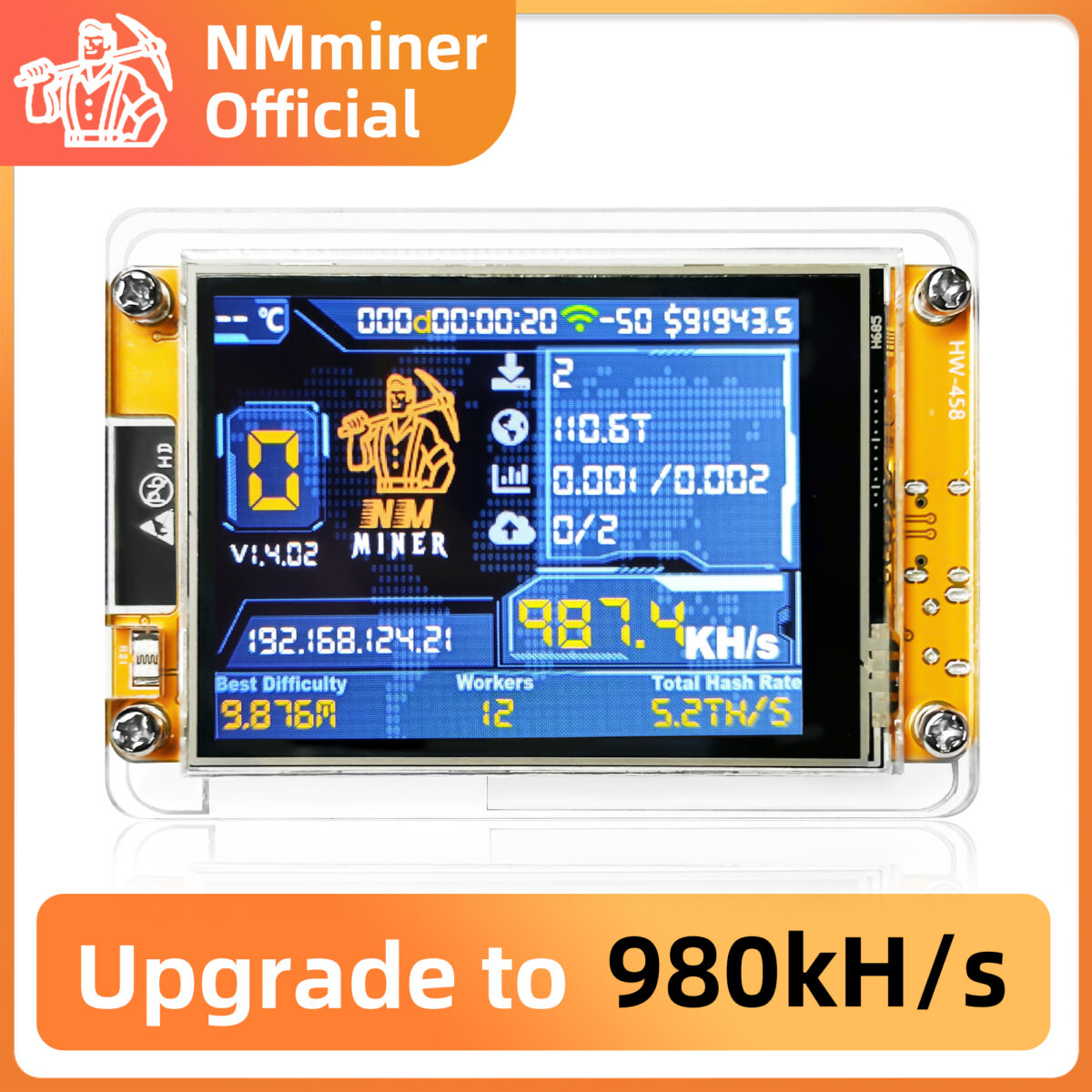
I recently ran into exactly this issue myself. After previously running without problems, my NerdMiner appeared to connect but stopped behaving correctly — shares were not being accepted consistently, updates stalled, and overall performance dropped significantly.
After investigating and testing multiple setups, I discovered the likely reason and a reliable workaround that gets everything working again.
This guide explains:
- What changed with Public Pool
- Why low-power miners are affected
- How to fix it using CKPool
- Exact configuration steps
- Tips to improve stability.
The Problem: Public-Pool.io Suddenly Stops Working for Small Miners
Many NerdMiner users rely on public-pool.io because:
- It supports solo-style mining
- Simple setup using a Bitcoin address
- Lightweight connection suitable for ESP32 devices.
However, recently some users (including myself) have noticed:
- Connections appear unstable
- Very low share activity
- Miner appears idle
- Difficulty connecting or maintaining session.
While there has not been a clearly published official announcement stating that small miners are banned, behaviour strongly suggests backend changes that impact ultra-low hashrate devices.
Why This Is Happening
Bitcoin mining pools continuously adjust infrastructure to manage load and network conditions. There are several technical reasons why small miners may suddenly struggle:
1. Increased Share Difficulty
Pools sometimes raise minimum share difficulty to reduce server load. This means:
- Low hash miners submit fewer valid shares
- Miner appears inactive or disconnected.
For devices like NerdMiner (which are designed as lottery miners), this can effectively make the pool unusable.
2. Infrastructure Optimisation
Public pools must balance:
- Large ASIC miners
- Thousands of hobby miners.
Small miners generate many connection events but extremely low work contribution, so pools may:
- Adjust filtering rules
- Drop low-activity connections
- Reduce priority for low hash workers.
3. Network Difficulty Growth
As Bitcoin network difficulty rises:
- Small miners statistically submit fewer shares.
- Combined with higher pool difficulty settings, they may appear non-functional.
The Solution: Switching to CKPool SOLO
After testing multiple alternatives, I moved my NerdMiner to CKPool SOLO and it immediately started working reliably again.
CKPool is a long-standing solo mining pool built specifically for efficient solo mining infrastructure.
Key advantages:
- Accepts ultra-low hashrate miners
- Stable infrastructure
- Simple setup
- No account required
- Ideal for NerdMiner devices.
Step-by-Step Setup (CKPool)
1. Update Pool Configuration
Change your pool settings to:
stratum+tcp://solo.ckpool.org:3333
2. Username
Use your Bitcoin receiving address:
YOUR_BITCOIN_ADDRESS
Optional worker name:
YOUR_BITCOIN_ADDRESS.worker1
3. Password
x
4. Save and Restart Miner
Once applied:
- Restart your NerdMiner.
- Allow several minutes for initial work updates.
You should begin seeing activity shortly after.
What Changed After Switching
Immediately after moving to CKPool:
- Connection stability improved.
- Job updates were consistent.
- Miner behaved normally again.
This strongly suggests that the issue was pool-side rather than hardware-related.
Important Reality Check (For New NerdMiner Users)
NerdMiner devices are:
- Lottery miners.
- Educational and hobby-focused.
- Extremely low probability of finding blocks.
Even when working perfectly:
- You may not see frequent share submissions.
- That does not mean it is broken.
Alternative Pools That May Work
If CKPool ever changes behaviour, other small-miner-friendly options include:
- nerdminers.org pool
- Braiins Solo Pool.
However, CKPool currently offers the best stability for tiny devices.
Final Thoughts
If your NerdMiner stopped working with public-pool.io, it is very likely not your hardware or configuration.
Changes in pool difficulty, backend optimisation, or infrastructure policies can indirectly restrict ultra-low hashrate miners.
Switching to CKPool is currently one of the simplest and most reliable ways to restore functionality.