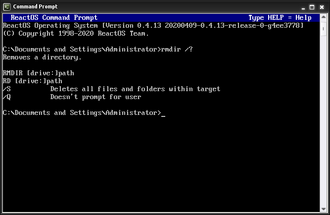
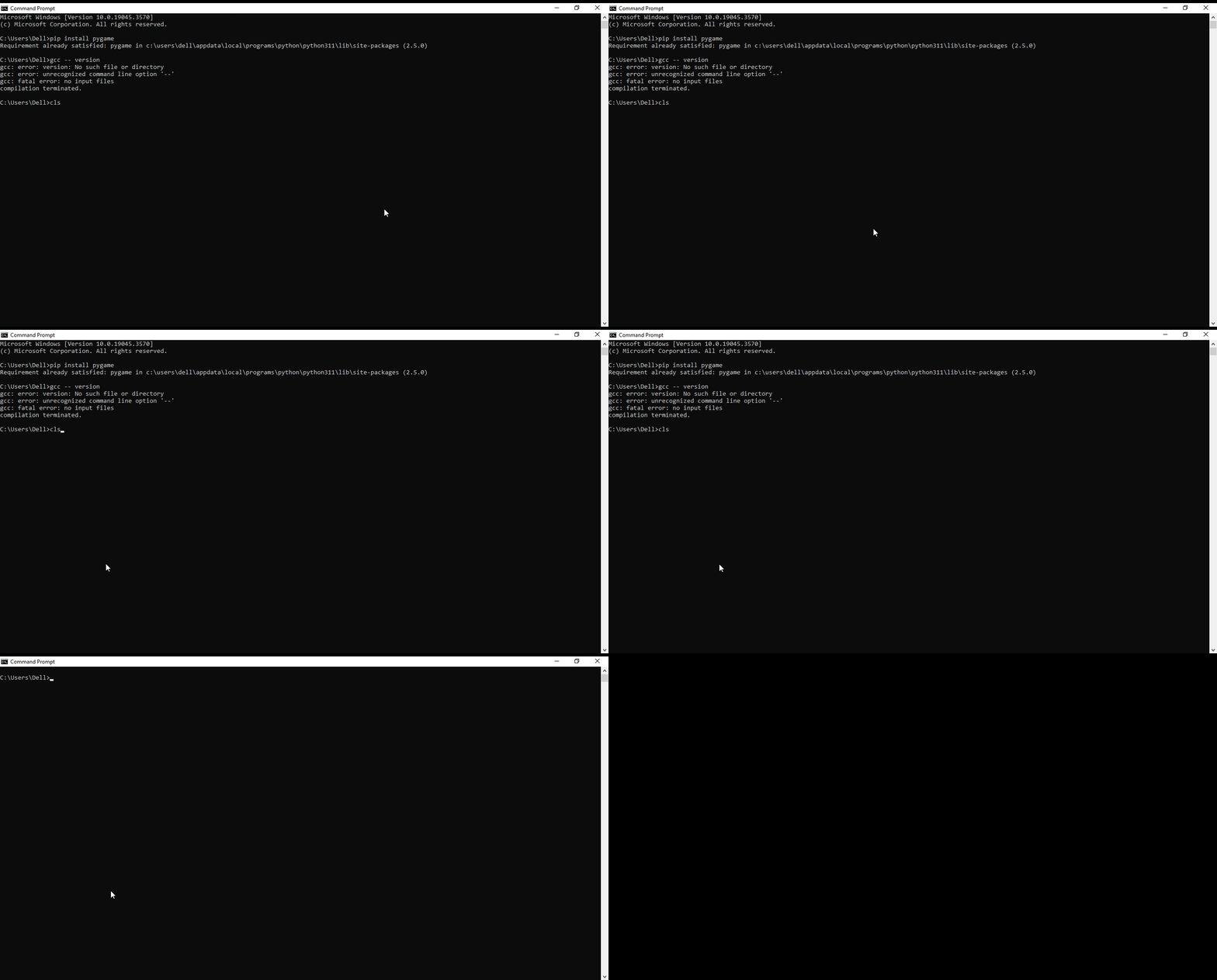
What Does the CLS Command Do?, The CLS command (short for Clear Screen) is a DOS command used to clear all text from the Command Prompt window.
It does not:
- Delete files
- Stop running commands
- Affect your system
It simply gives you a clean screen to work from.
Basic CLS Command Syntax
The command is extremely simple:
cls
There are no options or switches.
How to Use the CLS Command (Step by Step)
Steps:
- Open Command Prompt
- Type:
cls - Press Enter
All previous output disappears instantly.
When Should You Use CLS?
CLS is commonly used when:
- The screen is cluttered with output
- You want to focus on a new task
- You are following step-by-step guides
- You are demonstrating commands to others
It improves readability and reduces mistakes.
Does CLS Undo Anything?
No.
CLS:
- Does not undo commands
- Does not reverse actions
- Does not affect files or folders
It only clears what you see on the screen.
Common CLS Questions
“Did CLS Delete My Work?”
No.
Any files created, moved, or deleted remain unchanged.
“Why Do People Use CLS So Often?”
Because DOS output scrolls quickly.
CLS helps users reset their view and stay organised.
CLS vs Closing Command Prompt
- CLS → clears the screen, keeps session open
- EXIT → closes Command Prompt completely
CLS is preferred when you want to continue working.
Is the CLS Command Safe?
Yes.
CLS is one of the safest DOS commands available.
It can be used freely without risk.
What to Learn After CLS
The next commands improve confidence and navigation:
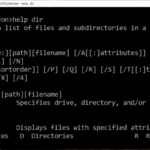
HELP– see available DOS commandsEXIT– close Command Prompt safely
These complete the beginner essentials.
Where to Go Next
Recommended next guides: