
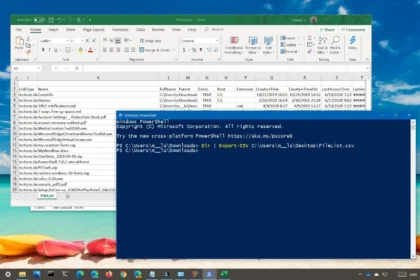
What this doesThis PowerShell command exports results into a CSV file (which opens in Excel). It is one of the quickest ways to turn a command output into something you can share, attach to a ticket, ...
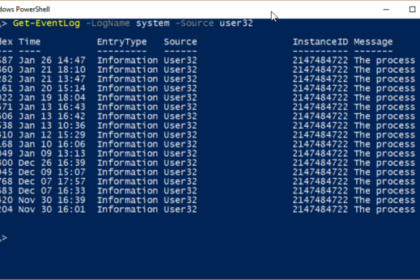
What this doesThis PowerShell command retrieves recent system error events from Windows. It allows you to quickly see what has gone wrong without opening Event Viewer and manually filtering logs. When...
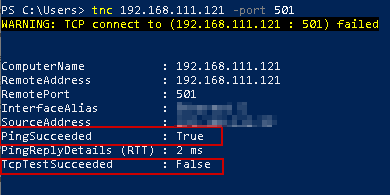
What this doesTest if a Network Port Is Open, This PowerShell command checks whether a specific network port is reachable on a remote device. It helps confirm if a service is accessible or being block...
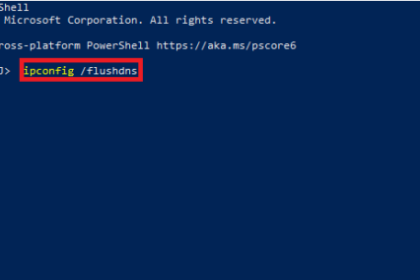
What this doesFlush DNS Cache, This PowerShell command clears the local DNS cache on a Windows computer. It forces Windows to re-check website addresses instead of using outdated or incorrect cached e...
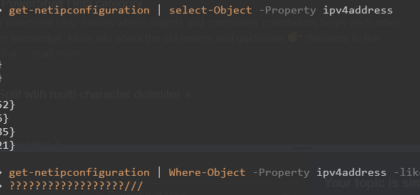
What this doesView IP and DNS Information Quickly Using PowerShell, This PowerShell command shows your computer’s IP address, network adapter, gateway, and DNS settings in one place. It is the q...
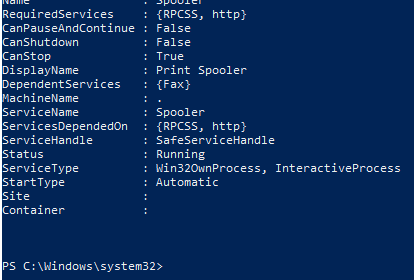
What this doesThis PowerShell command shows which Windows services are currently running or stopped. It is a fast way to Check Running Services and confirm whether an important background service is w...
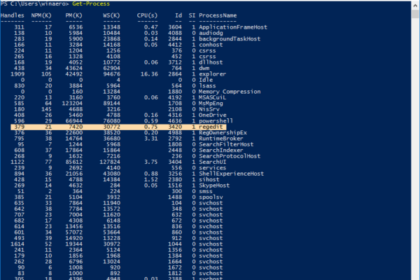
What this doesThis PowerShell command lets you identify a running application and close a stuck application when it becomes unresponsive. It avoids a full reboot and is faster than opening Task Manage...
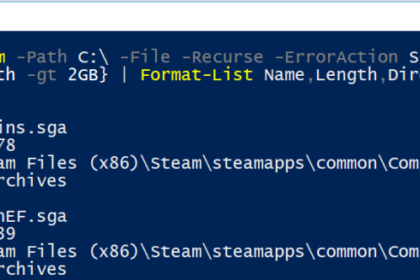
What this doesThis PowerShell command quickly find the biggest files on your computer. It helps you identify what is using up disk space without manually searching through folders. When you’d us...
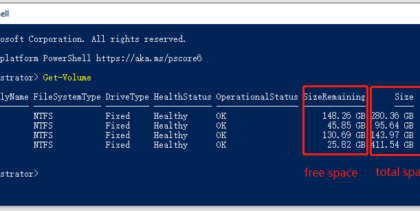
What this doesThis PowerShell command shows how to check disk space on your Windows drives. It is a fast way to identify low-storage issues without clicking through File Explorer. When you’d use...