What this does
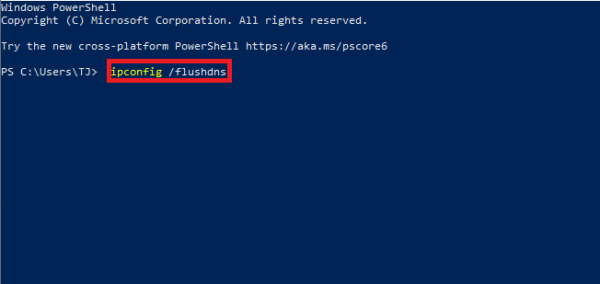
Flush DNS Cache, This PowerShell command clears the local DNS cache on a Windows computer. It forces Windows to re-check website addresses instead of using outdated or incorrect cached entries.
When you’d use this
- A website will not load but works for others
- A site has moved to a new server
- Internet works, but specific domains fail
- After changing DNS settings
PowerShell command (copy and paste)
Clear-DnsClientCache
What the output means
- The command runs silently if successful
- No message usually means the DNS cache was cleared
- There is no impact on saved files or applications
Common mistakes to avoid
- Expecting this to fix internet outages (it only affects DNS)
- Running it repeatedly without testing after each attempt
- Forgetting administrator access may be required on some systems
Efficiency tip (confirm DNS servers first)
Before flushing, check which DNS servers are in use:
Get-NetIPConfiguration
This helps confirm whether DNS is the likely issue.
Why this improves efficiency
- Faster than rebooting the PC
- Eliminates one of the most common connectivity problems
- Safe and low risk
- Ideal as a first troubleshooting step