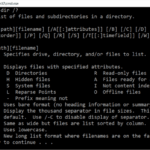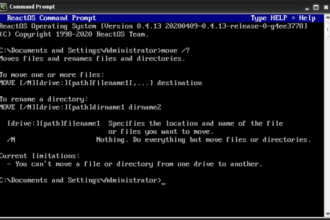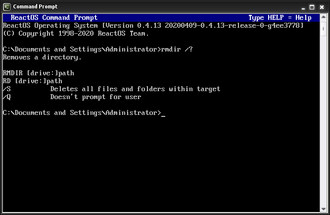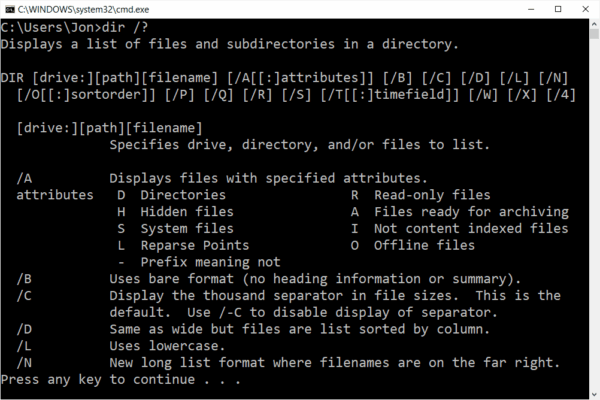
What Are DOS Commands, DOS commands are text-based instructions used in the command line to control files, folders, and system functions. Many people still use DOS commands today through Command Prompt (CMD) in Windows for troubleshooting, repairs, and advanced file management.
If you have ever opened Command Prompt and typed a command like dir or cd, you are already using DOS commands.
Why DOS Commands Still Matter Today
Although MS-DOS itself is no longer used as a standalone operating system, its commands still form the foundation of:
- Windows Command Prompt (CMD)
- Windows recovery tools
- System repair environments
- IT troubleshooting workflows
- Legacy and embedded systems
Understanding DOS commands makes it easier to:
- Fix Windows problems
- Recover files
- Navigate systems without a mouse
- Progress to PowerShell later
What You Will Find in This Section
This Everything DOS Commands & How-To section is designed for real users, not programmers.
You will find:
- Plain-English explanations
- Step-by-step instructions
- One command per guide
- Common mistakes explained
- Practical, real-world examples
No jargon. No assumptions.
Start Here: DOS for Beginners
If you are new to DOS or Command Prompt, start with these guides:
- What DOS is and how it works
- How to open Command Prompt in Windows
- Basic navigation commands
- The most common beginner mistakes
These guides assume no prior knowledge.
Basic DOS Commands (A–Z)
We break down each DOS command individually, including:
- What the command does
- The basic syntax
- Safe examples you can try
- When to use it
- When not to use it
This makes it easy to:
- Learn one command at a time
- Find answers quickly
- Bookmark what you need
Fixing Problems Using DOS Commands
DOS commands are still widely used to fix issues such as:
- Files that will not delete
- “Access is denied” errors
- Windows not booting correctly
- Corrupted disks or folders
Each fix is explained step by step, with clear warnings where needed.
DOS, Command Prompt, and PowerShell Explained
Many users ask:
- Is DOS the same as Command Prompt?
- Is Command Prompt the same as PowerShell?
- Which should I use?
We explain:
- The differences
- When each tool is appropriate
- How DOS knowledge carries forward
This helps users grow without confusion.
Who This Guide Is For
This section is ideal for:
- Beginners
- Office and business users
- IT learners
- Students
- Anyone fixing Windows issues
You do not need technical experience.
How to Use This Section
For easiest navigation:
- Start with DOS Commands for Beginners
- Move to Basic DOS Commands
- Use Problems & Fixes when stuck
- Explore Windows Repair guides as needed
Every page links back to where you should go next.
Ready to Begin?
Start with our beginner guide, or jump straight to the first command: