
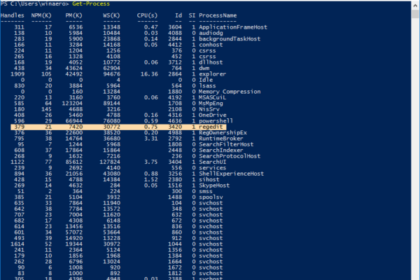
What this doesThis PowerShell command lets you identify a running application and close a stuck application when it becomes unresponsive. It avoids a full reboot and is faster than opening Task Manage...
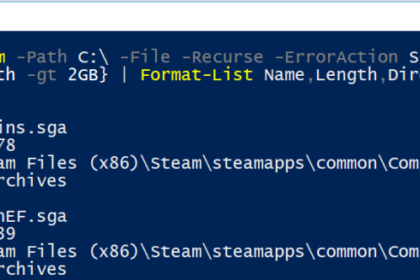
What this doesThis PowerShell command quickly find the biggest files on your computer. It helps you identify what is using up disk space without manually searching through folders. When you’d us...
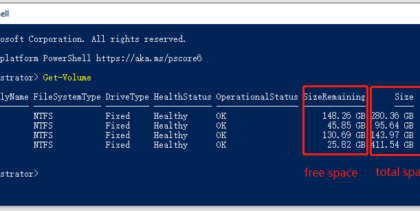
What this doesThis PowerShell command shows how to check disk space on your Windows drives. It is a fast way to identify low-storage issues without clicking through File Explorer. When you’d use...
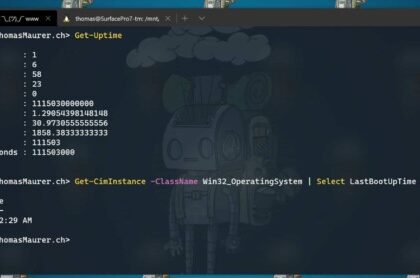
What this doesThis PowerShell command shows the exact date and time a Windows computer was last restarted. It is one of the quickest ways to confirm whether a reboot may resolve performance or update ...
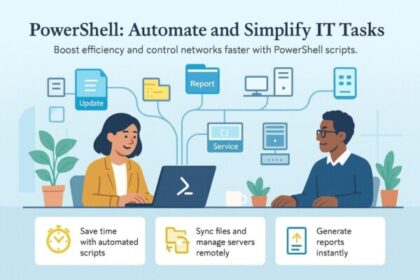
What this guide is aboutPowerShell is one of the fastest ways to manage Windows efficiently. This guide focuses on simple, practical PowerShell commands that reduce clicking, speed up troubleshooting,...

What to Buy for Christmas 2025, Buying tech at Christmas should be exciting — not confusing. Specs change fast, reviews are often biased, and many “top picks” are just ads. This guid...
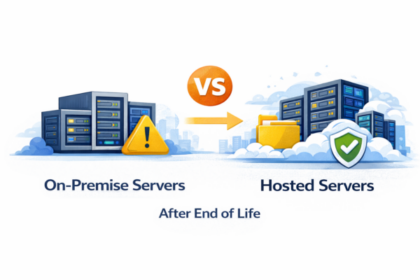
On prem vs hosted servers becomes a decisive choice after end of life, affecting cost, security, confidence, and long-term business resilience. Why This Decision Matters After End of Life When a serve...

This Windows Server end of life checklist helps businesses reduce risk, regain control, and plan an essential upgrade without disruption. Why You Need a Windows Server End of Life Checklist When a ser...

Windows Server End of Life, If your business runs Windows Server, understanding End of Life (EOL) dates is critical. Once a server operating system reaches end of life, it no longer receives security ...